
Analysis Image & Art Generation
Bigjpg review: an AI image upscaler best suited to anime and illustration
By ReviewRamble editors ·
Archived post. Written in August 2025; prices, models and features may have changed since. For the current picture, see the best AI image generators.
Blow up a small image in an ordinary editor and you get blur, jagged edges and a smudgy look. Bigjpg enlarges images up to 16x using deep convolutional neural networks (CNNs), which fill in detail instead of stretching pixels.
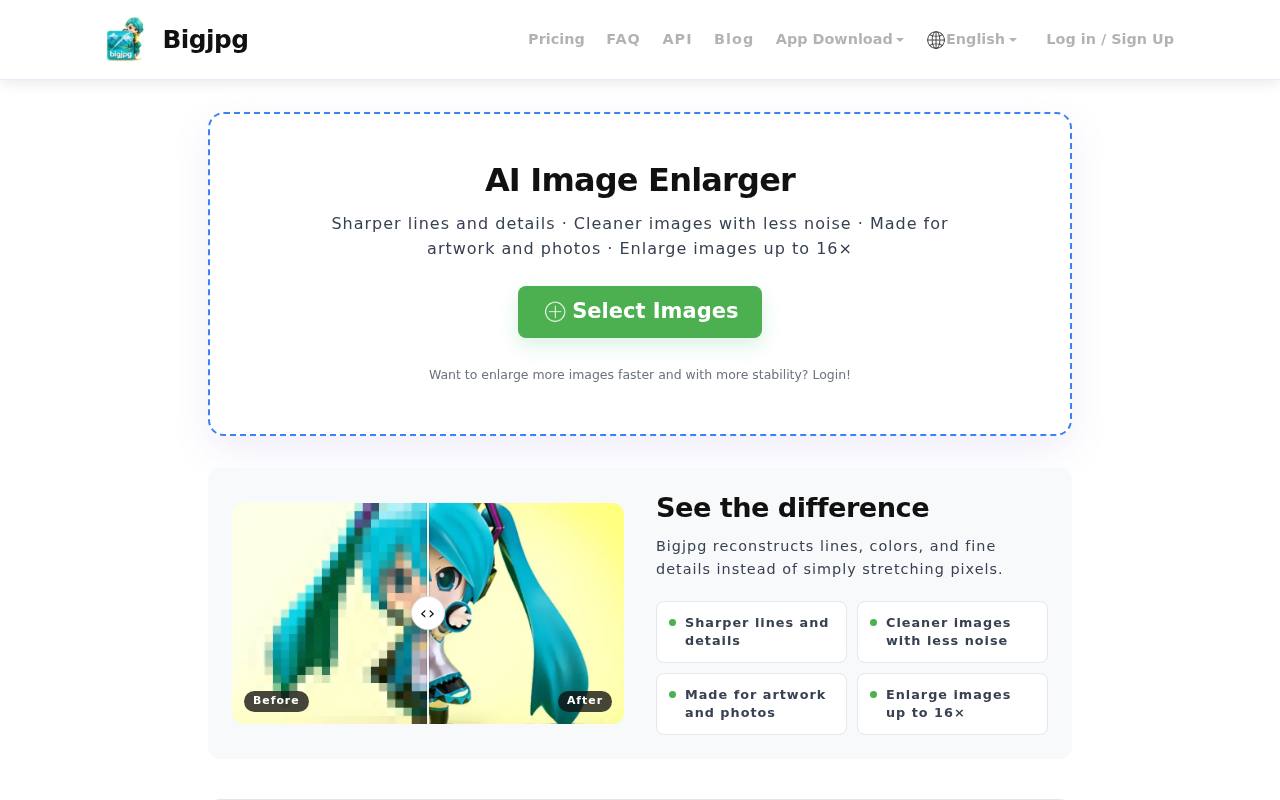
It is at its best with illustrations, anime and digital art, where it keeps lines clean. That makes it a common choice for artists who want to print or post work at a larger size.
What it does
- Upscaling that keeps lines, textures and colours intact.
- Two modes: one tuned for anime and illustration, one for photos.
- Batch processing on paid plans.
- Web, desktop and mobile apps.
- Automatic deletion of uploaded images after 5 days.
Who uses it
- Artists enlarging illustrations for prints, exhibitions or merchandise.
- Photographers and designers rescuing old or low-resolution shots for a portfolio.
- Online sellers sharpening product photos.
- Social media teams who want images to survive Instagram's compression.
What works
- Anime and art come out well: line art stays crisp and colours stay strong.
- There is nothing to learn. In the web app you drag an image in and press upscale.
- The free tier is enough for occasional hobby use.
- Uploads are temporary, which suits anyone wary of leaving their work on a server.
The catch
- The free version is tight: 4x upscaling at most, a 3000x3000px limit and a slow queue, which gets slower at busy times.
- It only upscales. There is no cropping, retouching or colour correction.
- It needs the cloud. Working offline requires a paid plan.
How it compares
| Tool | Free limit | Batch | Editing tools | Strength |
|---|---|---|---|---|
| Bigjpg | 3000x3000px, 4x | No (free) | No | Anime and art detail |
| Topaz Gigapixel AI | Higher | Yes | Some | Photo realism |
| VanceAI | Similar | Yes | Yes | Range of tools |
| AVCLabs PhotoPro AI | Varies | Yes | Yes | Editing extras |
| Upscale.media | Varies | Yes | No | Easy, generous free tier |
For photos that need to look real, or for editing as well as upscaling, Topaz and VanceAI do more, at a higher price.
Pricing
- Free: images up to 5MB, 4x upscaling, slower processing.
- Paid: from about $6 a month, adding batch processing, files up to 50MB, a faster queue and the offline desktop app.
Our take: Bigjpg is one of the better free upscalers if you draw, and the free tier covers casual use. Photographers chasing realistic detail, or anyone processing images in volume, will get more from the paid plan or from Topaz Gigapixel.